
Digital transformation for small businesses in India: a practical checklist
For a small business, digital transformation is not a consulting project. It is getting billing, customers, stock, staff and reports out of registers and WhatsApp groups into systems that share data.
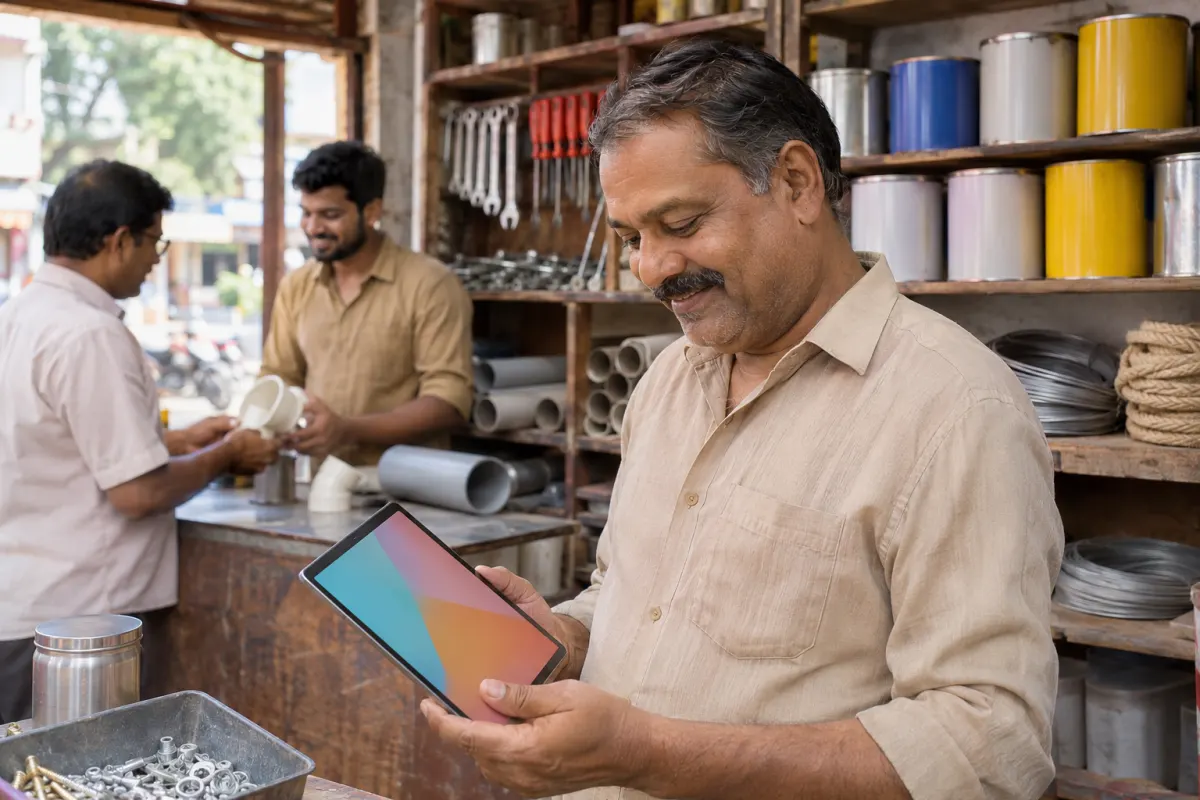
For a small business, digital transformation means one thing: moving the daily work of billing, customers, stock, staff and reports out of registers, Excel files and WhatsApp groups into software that records each thing once and shares it. It is not a big consulting project. It is a series of practical changes, done one at a time.
A good test: can you see today's sales, collections, stock and attendance without calling anyone? If not, this checklist is for you.
Signs your business needs it
- Sales figures reach you by phone call or WhatsApp late at night.
- Invoices are written in one place and typed into Tally again.
- Enquiries sit in WhatsApp chats, and nobody knows who followed up.
- Attendance is a paper register and salaries are worked out in Excel.
- Stock in the computer never matches the godown.
- Every report depends on the one person who understands the spreadsheet.
The checklist
1. Money
- GST billing software (Tally or similar) with clean customer and item masters: GSTIN, state, HSN code and tax rate set once, not typed per invoice.
- E-invoicing switched on if your turnover has crossed ₹5 crore in any year. Our guide on GST e-invoices and e-way bills with Tally explains how.
- A UPI QR code at the counter and a payment link on every invoice.
- Payment reminders that go out automatically and stop when the customer pays.
- One screen that shows who owes you what, oldest first.
2. Customers and sales
- One customer list. A CRM is best; a shared sheet with an owner for each lead is the minimum. Our guide on what CRM software does helps you decide.
- Every enquiry recorded with its source: website, IndiaMART, Justdial, walk-in or referral.
- Follow-up reminders, so no enquiry depends on someone's memory.
- WhatsApp used properly: the Business app for a small team, the API once messages need to be automated. See our WhatsApp Business API automation guide.
- A complete Google Business Profile, with a habit of asking every customer for a review.
3. Your website
- Loads fast on a phone and shows what you sell, where you are and how to reach you.
- Enquiries from the website go straight into your customer list, not only into someone's inbox. Our guide to websites for small businesses in India covers the basics.
4. Operations
- Stock with a minimum level for each item, and an alert when it drops below.
- Purchase requests approved by amount, with the purchase order and goods receipt recorded.
- Dispatch updates sent to customers, so they stop calling to ask where their material is.
5. People
- Attendance recorded by a biometric device in the office, or a mobile app for staff who work in the field.
- Leave requested and approved on the phone.
- Payroll worked out from attendance, with PF, ESI and TDS where they apply. Our attendance and payroll module is one way to do this.
6. Reports
- One daily summary for the owner: sales, collections, new enquiries and attendance.
- A monthly report produced from the systems, not retyped from them.
7. Safety
- Business email on your own domain, not personal Gmail accounts.
- Two-step verification on email, banking, the GST portal and WhatsApp.
- Backups that you have tested by restoring at least once.
- A separate login for each employee, removed on the day they leave.
- Customer data collected only for a reason you can explain, as India's data protection law expects.
8. Registration
- If you haven't already, register your business on the government's Udyam portal (udyamregistration.gov.in). Registration there is free; be careful of look-alike websites that charge a fee.
Where to start: a 90-day plan
Don't try to do everything at once. A sequence that works for many small businesses:
- Days 1 to 30, money. Clean the billing masters, add payment links and switch on automatic reminders. This pays for itself first.
- Days 31 to 60, customers. One customer list, every enquiry recorded, follow-up reminders and WhatsApp acknowledgements.
- Days 61 to 90, people and reports. Attendance and payroll, then the owner's daily summary built from everything above.
If something else hurts more, such as stock mismatches or a field team you can't track, start there instead. The rule is the same: one area at a time, fully adopted before the next. Our list of business process automation examples can help you rank the candidates.
Off-the-shelf software or custom?
Use standard software where your process is standard: accounting, GST billing and basic CRM are well covered. Consider custom software when your process is what makes you different, when your tools don't share data, or when per-user subscriptions get expensive as the team grows. Our guide to custom software development explains the trade-offs.
What it costs
Doing it yourself costs a few monthly subscriptions and a lot of your time. Done-for-you work costs more but moves faster. As a reference, our published prices start at ₹80K for a single system such as billing automation (see business automation), and our digital transformation packages for SMEs start at ₹2L. Other companies price differently, so compare what each quote includes.
Mistakes to avoid
- Buying software before writing down the process. You'll end up bending the business around the software.
- Five apps that don't talk to each other. Data typed twice is the problem you were trying to solve.
- No owner. Every system needs one person responsible for it.
- No training. If the team doesn't use it, the old register comes back within a month.
- Switching everything on the same day. Change one area, settle it, then move on.
If you'd like a second pair of eyes on where to start, our digital transformation team begins every engagement with a process audit and a written roadmap.
FAQs
Moving daily work such as billing, customer follow-up, stock, attendance and reports from registers, Excel and WhatsApp groups into software that records each thing once and shares it, so the owner can see the business without calling anyone.
It can start with a few monthly software subscriptions. Done-for-you projects cost more: our digital transformation packages start at ₹2L, and single systems such as a CRM or billing automation start at ₹80K. Other companies price differently, so compare what each quote includes.
With the process that hurts most, usually billing and collections or lead follow-up. Fix one area properly, get the team using it, then move to the next.
Not always. Standard software covers billing, accounting and simple CRMs well. Custom software makes sense when your process differs from the standard, when your tools need to share data, or when per-user subscriptions get expensive as you grow.