
Attendance management system: types, features and costs for Indian businesses
Biometric, face recognition, cards or a GPS app? How each attendance system works, which suits office and field staff, the features that matter for payroll, and the privacy rules to respect.
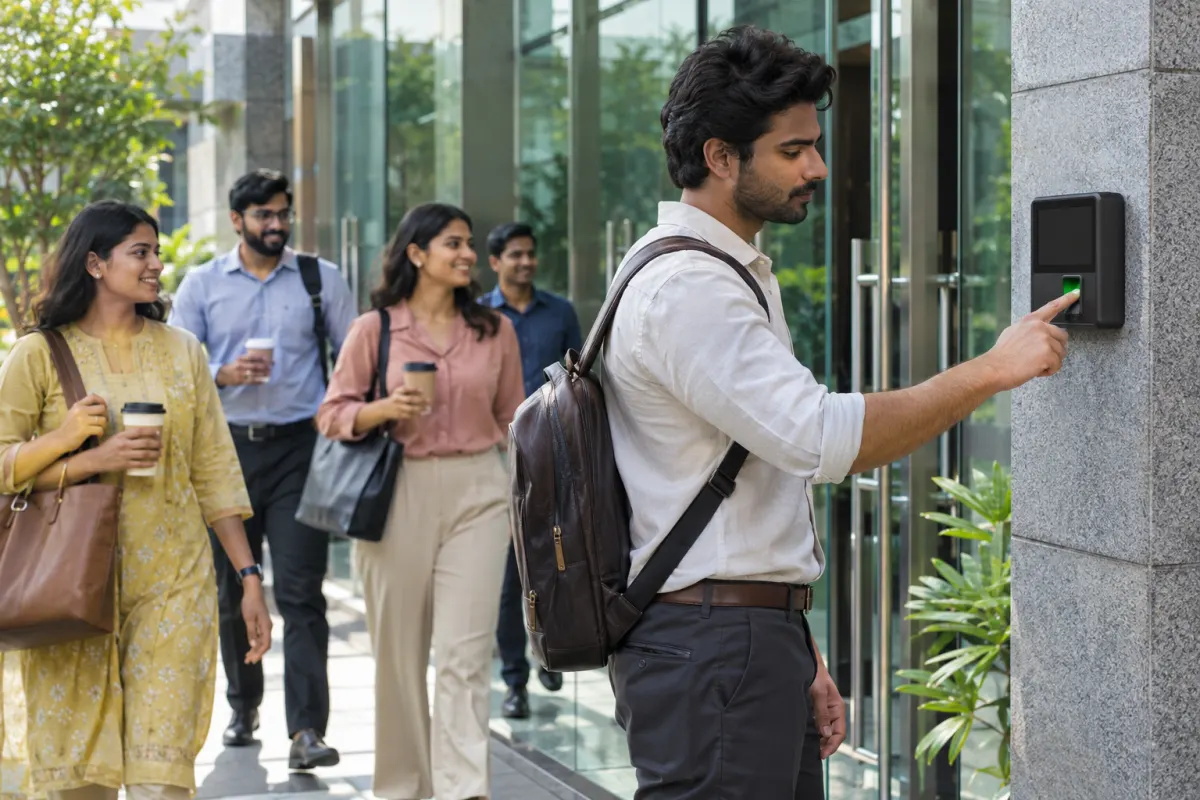
An attendance management system records when employees start and finish work, tracks leave, late marks and overtime, and feeds accurate numbers into payroll. The right one depends on where your people work: a biometric or face device suits an office or factory gate, while field staff need a mobile app with GPS check-in. Many Indian businesses need both.
Here is how the main types compare, the features that actually matter, the legal and privacy points, and how pricing works.
The main types
| Type | How it works | Best for | Watch out for |
|---|---|---|---|
| Paper register | Signatures in a book | Very small teams | Proxy signatures, manual payroll, lost records |
| Biometric (fingerprint) | Device at the entrance | Offices, factories, shops | Worn fingerprints, queues at shift change, device cost |
| Face recognition | Camera device or tablet | Sites where touch-free entry matters | Lighting, masks and helmets; biometric data needs care |
| RFID or ID card | Card tapped on a reader | Large offices and campuses | Cards can be shared or lost |
| Web or desktop punch | Button in a browser or app | Office and remote desk staff | Easy to punch from anywhere without controls |
| Mobile app with GPS | Check-in on the phone with location, often a selfie, sometimes a geo-fence | Sales, service and delivery teams in the field | Needs clear privacy rules; must work on weak networks |
Office staff, field staff or both?
- Office, shop or factory: a biometric or face device at the entrance is quick and hard to fake.
- Field sales, service technicians, promoters: a mobile app with GPS check-in at the first visit or on reaching a site, ideally with a photo. Geo-fences confirm that someone checked in at an assigned location.
- Mixed teams: choose software that accepts both, so all attendance lands in one place for payroll.
Our guide on GPS attendance for field employees shows how check-in, photos and location work in practice.
Features that matter for payroll
- Shifts and rosters, including night shifts that cross midnight.
- Rules for late marks, half days and early exits, configured to your policy.
- Leave and holidays: requests and approvals on the phone, balances, state-wise holiday lists.
- Overtime calculated from actual hours.
- Regularisation requests for forgotten punches, approved by the manager, with a record of who approved.
- Payroll export or built-in payroll so salaries are worked out from attendance, not retyped.
- Multi-location support and reports by branch, department and manager.
- Offline mode for field apps, syncing when the network returns.
- Statutory registers and reports in the formats your state requires.
The legal side
Employers must keep records of attendance, working hours, wages and leave. India's four labour codes came into force on 21 November 2025, consolidating many older labour laws and encouraging digital records. The exact registers, formats and timelines depend on your state's rules, which are still being notified in places, so confirm the requirements for your state with your HR consultant or CA. A good attendance system should be able to produce those records without manual work.
Privacy: biometrics and location are personal data
Fingerprints, face images and location history are personal data under India's Digital Personal Data Protection Act. Handle them carefully:
- Tell employees what is recorded, why, and who can see it, in a written policy.
- Collect only what you need. Attendance needs a check-in location, not a person's whereabouts all evening.
- Record location only during working hours. Our own product records location only between an employee's check-in and check-out.
- Secure and limit access to HR and the reporting manager.
- Set a retention period and delete data you no longer need.
How pricing works
- Cloud software: usually priced per employee per month, sometimes with a minimum number of users.
- Devices: biometric and face devices are a one-time cost per entrance, plus installation.
- Custom systems: a one-time build, sensible when attendance must connect deeply to your own ERP or payroll.
- Hidden costs: setup, data migration, payroll integration, training and support.
Compare the total for your headcount over twelve months, not the headline per-user price.
Integrations worth asking about
Attendance rarely lives alone. Ask whether the system connects to your payroll or accounting software, your HR records, door access control and, for field teams, your CRM or visit reports. Every manual export between systems is a place where errors and delays creep in, usually at month end when there is least time to fix them.
Rolling it out to your team
- Explain why first. Accurate salaries, fewer arguments about late marks and faster leave approvals are reasons employees care about too.
- Share the written policy on what is recorded, especially location for field staff.
- Run the old and new systems side by side for one pay cycle and compare the results.
- Train managers on approvals, because delayed approvals frustrate employees more than anything else.
- Fix the first month's problems quickly: missed punches, wrong shifts, phones that can't run the app.
A buying checklist
- Does it handle both office and field staff the way you work?
- Can it apply your exact late, half-day and overtime rules?
- Does attendance flow into payroll without retyping?
- Does the mobile app work on the phones your staff actually carry, with weak networks?
- Are privacy controls clear, and is location limited to working hours?
- Can you export all your data if you leave?
- Who supports you, in which language, and how fast?
Attendance is usually the first step in automating HR. Once it is reliable, payroll, leave and expenses follow; see our list of business process automation examples, and our business automation page for HR and payroll workflows.
FAQs
Software, often with a device or a mobile app, that records when employees start and finish work, tracks leave, late marks and overtime, and passes accurate figures to payroll, replacing paper registers and manual Excel calculations.
A mobile app with GPS check-in and check-out, usually with a selfie or photo, because field staff don't start the day at an office device. Look for an app that works on low-end phones and keeps working when the network is weak.
Yes, when it is done fairly. Tell employees what is recorded and why, record location only for work purposes and working hours, keep the data secure and for a limited time, and follow India's Digital Personal Data Protection Act. Tracking employees outside working hours is hard to justify.
Yes. Employers must keep records of attendance, wages and leave. India's four labour codes, in force since 21 November 2025, consolidate these rules and encourage digital records, but the exact registers and formats depend on your state's rules, so confirm with your HR consultant or CA.
Cloud software is usually priced per employee per month, biometric and face devices add a one-time hardware cost per entrance, and a custom system is a one-time build. Compare the total cost for your headcount over a year, including devices, setup and payroll integration.