GPS attendance · Field Force HRMS
Field staff mark attendance on their phone where the work begins, and the office gets a register built from time-stamped GPS check-ins, not WhatsApp pins and depot signatures.
Quick answer
A GPS attendance app lets field employees check in and out from their phone wherever the working day starts, recording the time and GPS location. In Field Force HRMS the app asks for a reason when someone starts late or leaves early, and managers see which of their team have checked in, who is late and who is on leave. Location recording starts at check-in and stops at check-out.
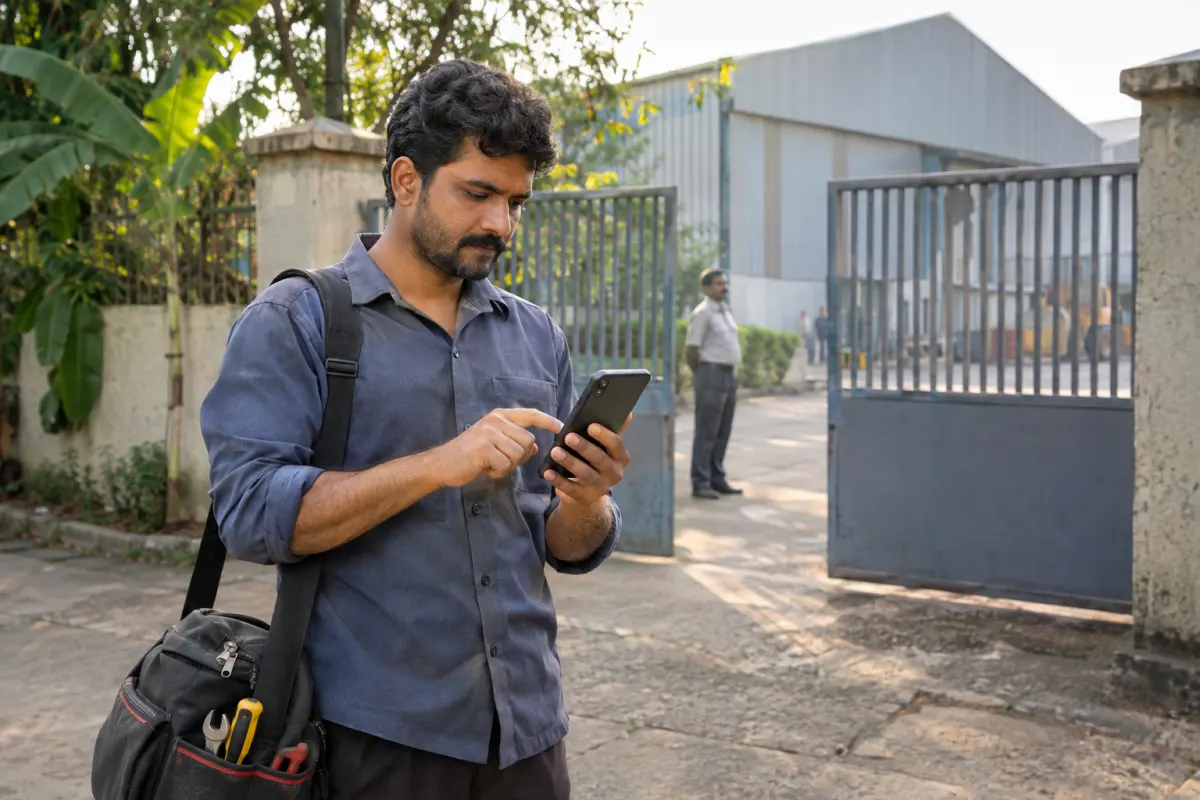
Ask a sales head how field staff attendance works and the answer is usually a mix. Some salesmen sign the attendance register at the depot before starting their beat, technicians at client sites drop their location in the WhatsApp group, and a few just call in. By mid-morning nobody knows for sure who is at work, who is running late and who is off.
Month end is worse. HR rebuilds the register from chat history, and late marks turn into arguments because nobody noted the time. Making everyone report to the office first only delays the day’s first visit. What the business needs is a record made where the work begins: the time, the place and, when the day goes off plan, a reason.
Staff tap Check In on the app’s My Day tab when work begins and Check Out when it ends. Each punch is stamped with the phone’s GPS location and the time, and a late start or early exit prompts a reason.
Breaks start and end from the app, the manager is notified, and each break shows on the daily timeline. Roles you allow can check in more than once a day, with hours added up across sessions.
Create shifts with start and end times and weekly offs, and assign each employee to one. Late marks are measured against the shift, and staff see the company holiday list in the app.
No network in a basement or on a rural road? The punch is stored on the phone and uploads later with its original time. With automatic check-out on, a forgotten check-out closes a set time after the shift.
Each account can be locked to one registered phone. If a fake-location app is detected on duty, HR and the reporting manager are alerted, the shift closes and check-in pauses for a cooldown period.
Managers see who in their team has checked in, is late, is on leave or has not started. A month exports to Excel with daily check-in, check-out and hours, and leave can be approved from the mobile app.
A salesman at the first retailer on the beat, or a technician at a client’s gate, taps Check In.
Breaks start and stop in the app. On Android the route is recorded until the employee taps Check Out, and the phone displays a “shift active” notification throughout.
The manager sees who has not started and can call them that morning.
An Excel file with daily check-in, check-out and hours replaces the register rebuilt from chats.
Picture an annual maintenance contractor whose technicians service lifts and air-conditioning units across one city. Today they post a WhatsApp pin each morning, and a supervisor copies the chat into the register.
With GPS attendance, each technician has a day shift with Sunday off and an account locked to their own phone. One starting in a hospital basement with no signal still checks in, and the entry uploads at street level. Seniors who take evening breakdown calls sit in a role that allows a second check-in.
Early in the day the supervisor sees who has not checked in and sends a colleague to that first job. At month end HR downloads the Excel file and reviews any auto-closed day.
A fair comparison, including where an app asks more of you.
| Question | Paper register | WhatsApp pin | GPS attendance app |
|---|---|---|---|
| Where it is marked | At the depot, so staff travel there first | Anywhere with signal | Anywhere, even without signal |
| Proof of time and place | A handwritten time, no location | Message time and a pin the sender chooses | Time and GPS position recorded by the app |
| Late starts | Seen only if someone reads the register | Checked against shift timings by hand | Compared with the shift, with a reason asked for |
| Who marked it | Anyone can sign for a colleague | Anyone holding the phone | Only the registered phone, if that setting is on; GPS cannot show who holds it |
| Month-end work | Typing the register into a spreadsheet | Rebuilding it from chats and screenshots | An Excel download |
| What it takes | A register and a pen | Nothing new | Android phones, shift set-up, staff training and a software cost |
| Privacy | Only a signature and a time | Visible to the whole group | Location recorded from check-in to check-out, with a visible notification on Android |
Wherever their work starts: a client site, a retailer’s shop or the road. Check-in is not tied to one office, and the manager sees each check-in’s position on the employee’s daily timeline.
No phone-based system can stop every trick. The app can lock each account to one registered phone, rejects impossible jumps in position, and closes the shift with an alert when a fake-location app is found during work.
With automatic check-out on, the app checks them out a set time after the shift. A session on a phone that stopped responding is closed overnight and marked auto-closed. Those days may show more hours than were worked, so HR should review them.
Yes. The app shows each employee their sessions and hours. Leave requests and balances are in the same app, covered on the attendance and payroll page.
Readings start at check-in, stop at check-out and are taken less often while the person stays in one place. Battery use varies by phone, so test the app on your team’s handsets first.
A guided walkthrough of check-in, shifts, breaks and the manager’s view, based on how your field staff start their day.
From a 5-page launch to a multi-region growth engine — we plug in, ship fast, and stay till the numbers move.
