Field Force HRMS for FMCG distributors
Beat plans, retailer visits, orders, collections and targets for distributor sales teams, logged at the outlet and visible to the sales head the same day.
Quick answer
Field Force HRMS is FMCG sales tracking software for distributors: salesmen follow a visit plan, log each retailer visit with a photo and GPS location, book orders and record collections from one mobile app. Managers review visits, orders, outstanding dues by age and target progress on a web dashboard.
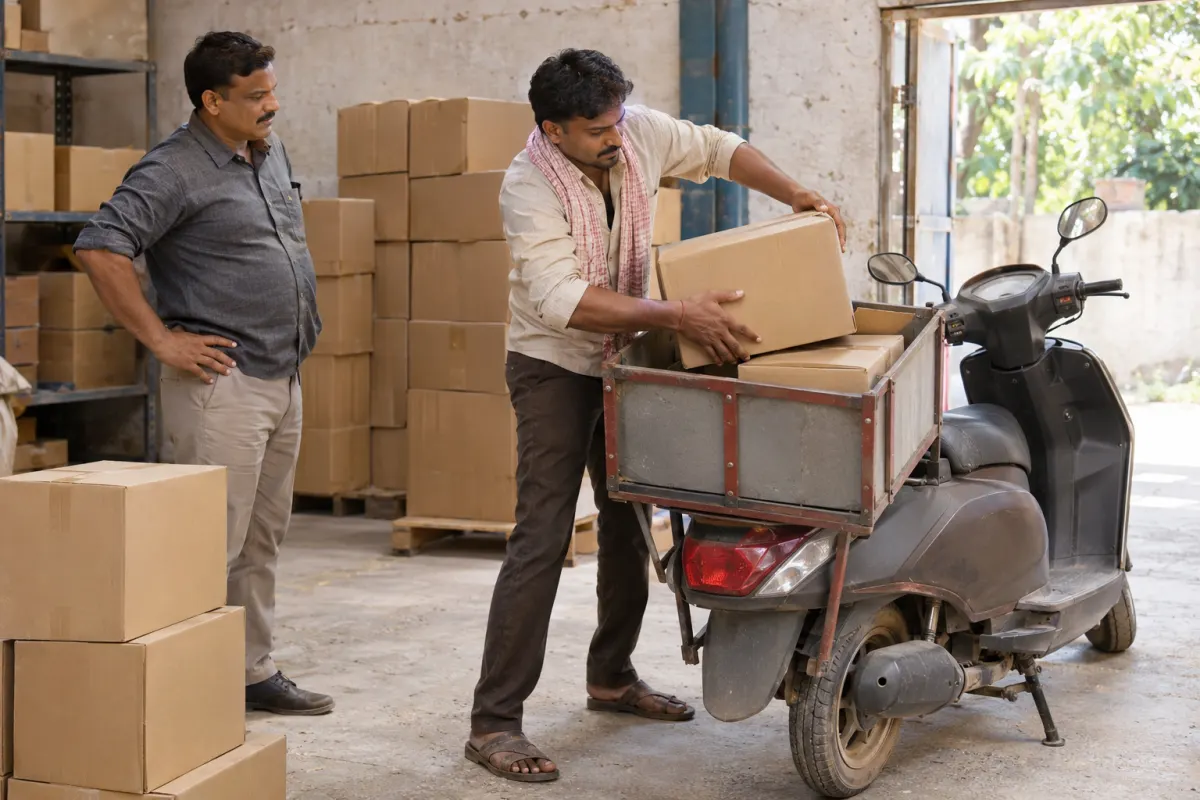
Salesmen leave the depot each morning with a beat of kirana stores, chemists and general stores. By evening there is a WhatsApp group full of shop photos, orders sent as messages or phone calls, and no clear view of which outlets were actually visited.
Outstanding hurts most. Accounts knows which retailers owe money and for how long, but the salesman in the market works from memory or last week’s printout. When the sales head asks who followed up the oldest dues, nobody can answer quickly.
Targets arrive as one number, get split in a spreadsheet and are checked at month end, too late to help anyone who fell behind. Field Force HRMS replaces the scattered messages with one record that the salesman builds at the outlet and the sales head checks the same day.
One master of channel partners in supply-chain order: OEM, super stockist, C&F agent, distributor, dealer, sub-dealer and retailer, with territory, GST, PAN and bank details. Salesmen add new dealers from the field with photos, documents and location.
Daily, weekly or monthly visit plans, built in the app or on the web. The planner suggests retailers who are due and orders stops by straight-line distance. Plans can require a manager’s approval, and retailers left too long without a visit trigger an alert.
Each visit carries a camera photo, GPS position, time, purpose and notes, and ending it records when it finished. Managers see every visit with its photo and map pin.
Salesmen pick products by category, set quantities, choose the retailer and submit. Each order gets a number and a status, and admins get a monthly order report in Excel. Sample requests pass manager and stock-supervisor approval and go to the stockist for the customer’s state.
Upload each salesman’s outstanding invoices from Excel and publish them to his app. Dues sit in five ageing buckets, from 0–30 to over 120 days, and he records full or partial collections invoice by invoice. A separate payment register logs each payment with customer, amount and mode.
Set a monthly value target at the top and let each manager split it by equal shares, last month’s results or the three-month average. Achievement builds from payment entries marked completed and sales figures your admin uploads, and salesmen see target against achieved in the app.
The salesman checks in from the app. Time and GPS position are saved, today’s stops appear on the home screen, and on Android his route is recorded until check-out, with a “shift active” notification showing.
At every shop he records the visit with a photo, location and notes, then ends it before moving on.
He places orders from the product list and records money against an invoice in his collection plan or in the payment register.
Open visits close and route recording stops. The day’s visits, orders and payments are already on the dashboard.
The web dashboard shows visits with photos and map pins, plan against actual, orders, dues by age and target progress. Team visits and orders are in the manager app too.
Take a distributor of packaged foods and home-care brands serving kirana stores, chemists and small supermarkets from two depots. Each salesman has a fixed beat for each weekday, and an area manager runs each depot.
At the start of the month, accounts uploads and publishes each salesman’s outstanding invoices. On Mondays the area managers approve the week’s visit plans. In the market, salesmen log visits with a shop photo, book orders and work through their dues, oldest first.
Each evening the area manager checks plan adherence and orders. At month end the admin uploads sales figures, and the sales head compares each salesman’s achievement with his share of the target.
Logging, planning and reviewing customer visits.
See field visit management →Orders, visits and monthly sales plans together.
See field sales tracking →Setting, splitting and publishing monthly targets.
See sales targets →Collection plans, ageing buckets and the payment register.
See payment collection →Agree these points before the first salesman installs the app.
Yes. Plans can cover a day, a week or a month, built by the salesman in the app or by a manager on the web. The salesman can change or reorder the suggested stops, and logged visits are matched to the plan automatically.
Yes, once his collection plan is published. The app lists dues by customer and invoice with each one’s ageing bucket. He records full or partial collections, never more than the balance, and gets reminders for invoices due soon, due today or overdue.
Yes. The channel partner master holds seven channel types, from OEM to retailer, with parent and child links, territory, GST, PAN, MSME and bank details. Salesmen add dealers from the app, and admins can download any profile as a PDF.
Each visit carries a camera photo, GPS position and time. A verification report lists visits logged far from the retailer’s saved location, so managers can discuss them with the salesman. It is a review report and does not stop anyone logging a visit.
A guided demo of visit plans, retailer visits, orders and collection plans, discussed against your own beats, product range and reporting lines.
From a 5-page launch to a multi-region growth engine — we plug in, ship fast, and stay till the numbers move.
